Mouse Polling Rate Explained: 125Hz to 8000Hz
Polling rate is the most misread number on a mouse box. Here is what it changes, in milliseconds you can actually reason about.
By Daniel Kwon · October 17, 2026 · Updated October 17, 2026
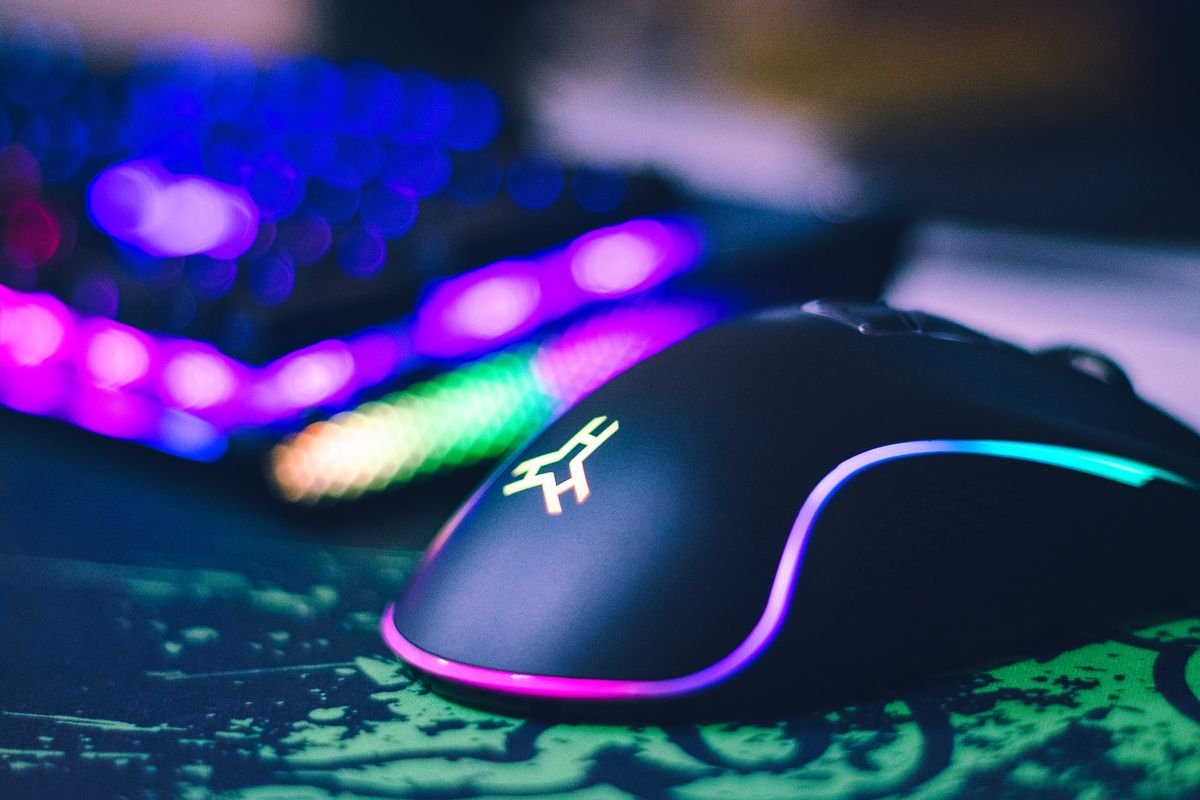
Polling rate is how many times per second your mouse tells the computer where it is. 125 Hz means eight milliseconds between reports; 1000 Hz means one; 8000 Hz means 0.125. It is the simplest spec on the box to understand and the easiest to misunderstand, because the number that looks 64 times bigger delivers an improvement you can measure with instruments and mostly cannot feel.
The honest math
End-to-end input latency is a chain: sensor scan, mouse report, USB transfer, game processing, render, display scan-out. Polling rate only compresses the report step. Going from 1000 Hz to 8000 Hz saves, on average, about 0.44 milliseconds of waiting — under half a millisecond.
For contrast, a 240 Hz display refreshes every 4.17 milliseconds. The polling gain is smaller than the gap between two frames. This is why refresh rate is the higher-leverage purchase for most setups, and why we said in our Viper V3 Pro review that the 8000 Hz dongle is a specialist’s feature, not the reason to buy the mouse.
Where high polling actually pays
The gains concentrate where three conditions overlap:
- Very high refresh rates — 360–540 Hz displays shorten every other stage of the chain, so the mouse’s share of latency becomes visible.
- Low sensitivity aimers — wrist and arm micro-corrections at low DPI benefit from denser tracking samples between frames.
- Trackpad-style flick chains — rapid direction reversals produce the few-sample artifacts that denser polling smooths out.
If all three describe you, 8000 Hz is a real if small edge. If one describes you, buy on weight and shape first.
The costs nobody markets
High polling is not free:
- Battery — manufacturers quote battery life at 1000 Hz for a reason. At 8000 Hz, expect a fraction of the advertised hours.
- CPU overhead — eight times the reports means eight times the interrupt handling. Older engines and busy scenes can misbehave.
- Compatibility — some titles still misbehave above 1000 Hz. Test before you commit to a setting for tournament play.
What to set, and when
Run 1000 Hz as your default. Raise it to 2000–4000 Hz if you play competitive titles at 240 Hz or above and your battery tolerance allows it. Use 8000 Hz when you have measured a difference yourself, not because the box printed the biggest number. If you are still choosing the mouse, start with grip and shape — a wrong shape defeats every other number.
A final note on hierarchy: polling rate sits at the bottom of a stack that reads weight, shape, and sensor first. A 54-gram mouse at 1000 Hz will outperform a 90-gram mouse at 8000 Hz for nearly every player, because fatigue and control cost more milliseconds than the report interval ever will.
Frequently asked questions
- Is 8000 Hz polling worth it?
- For most players, no. The improvement from 1000 Hz to 8000 Hz is measured in single-digit milliseconds of end-to-end latency, which matters most at very high refresh rates in competitive play. Weight and shape matter more for everyone else.
- Does polling rate affect CPU usage?
- Yes, at 4000–8000 Hz some systems show measurable CPU overhead, and older titles occasionally behave worse at very high polling rates. If you raise it, test your actual game load.
- What polling rate do professional players use?
- Most still compete at 1000 Hz with sensitivity and DPI settings tuned over years. High polling is a recent pro adoption, not a requirement.