Hall Effect Keyboard Sensors: Why Esports Players Want Them
No contacts, no debounce delay, no fixed reset point — Hall effect sensing quietly deleted the three bottlenecks that capped mechanical keyboard speed.
By Daniel Kwon · October 5, 2026 · Updated October 5, 2026
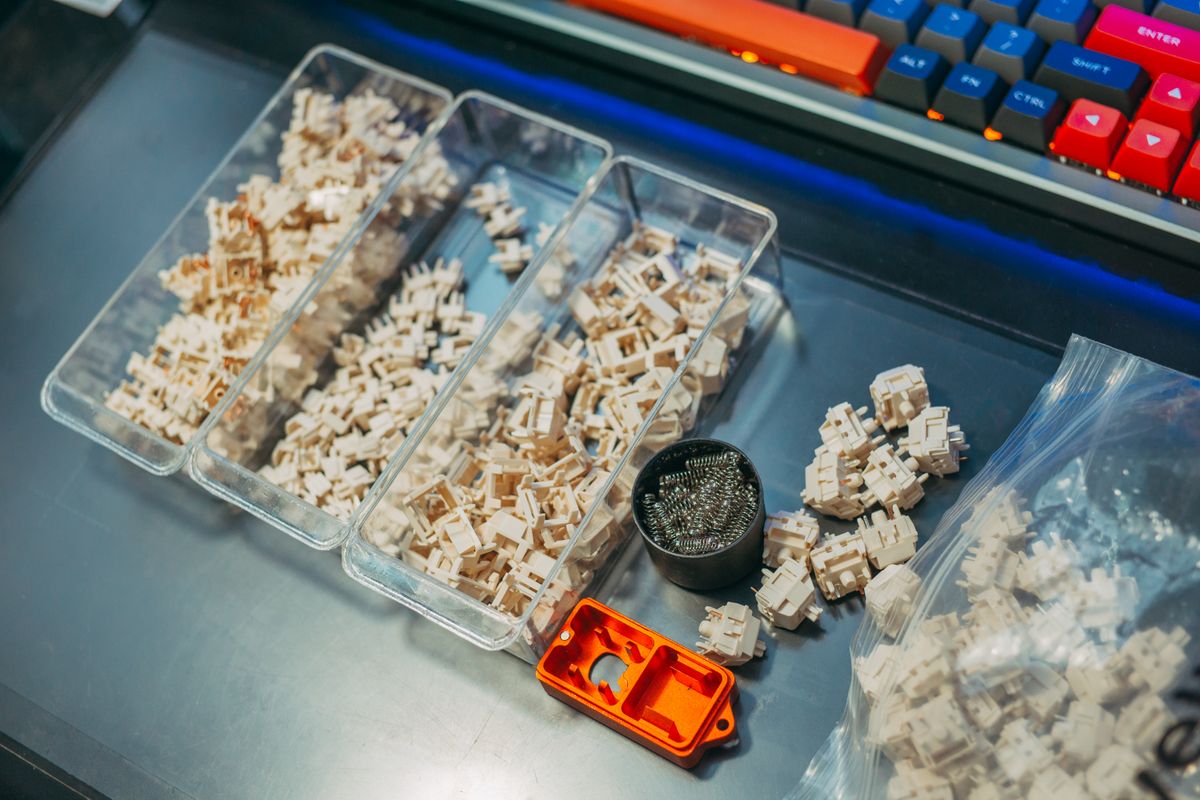
Every traditional keyboard hides a small delay. When metal contacts inside a switch touch, they bounce — tiny electrical oscillations that the keyboard must filter out with a debounce delay before it trusts the input. It is a few milliseconds per keystroke, it was unavoidable for decades, and Hall effect sensors make it disappear.
How the sensor works
A Hall effect switch puts a magnet on the bottom of the key stem and a sensor on the circuit board below it. As you press, the magnet moves closer, and the sensor reads the changing magnetic field to determine the stem’s exact position — continuously, without any physical contact. Because there is no metal touching metal, there is no contact bounce and no debounce delay to compensate for it.
Continuous position data is the part that matters for gaming. A mechanical switch only knows “pressed” or “not pressed.” A Hall effect sensor knows the key is at 0.3 mm, at 1.7 mm, at 3.9 mm — which is what makes every modern analog feature possible.
What that enables in practice
Three features fall directly out of contactless position sensing. Adjustable actuation sets the registration depth per key anywhere in the travel range. Rapid Trigger re-arms a key the moment the stem reverses upward, with no fixed reset point — the feature that turned Hall effect boards into the default recommendation for competitive shooters. Dual-stage or dynamic keystroke features round it out, assigning different actions to a half-press and a full press of the same key.
Our analog keyboards explainer covers how those settings interact in game, and the Wooting 60HE+ review shows the feature set on the board that popularized it.
Why durability claims deserve an asterisk
Because sensing is contactless, the actuation mechanism itself does not degrade with use — there is no contact erosion, which is why manufacturers rate Hall effect switches at 100 million keystrokes. The asterisk: the spring, stem, and LED still age like any other switch part, and lifespan ratings describe the whole assembly. Read them as a floor, not a promise.
The counter-strafing case
Counter-strafing is the textbook case. In a shooter, stopping your movement is what makes your shot accurate, and stopping means releasing one key and pressing another faster than any fixed reset point allows. Community reports from competitive players converge on the same experience: partial lifts registering as full releases, movement that feels one-to-one. Add factory calibration of the deadzone region — where misfires are most likely — and the practical gap over a mechanical board becomes repeatable rather than placebo.
If you are shopping, frame it this way: Hall effect is now the technology behind nearly every serious gaming keyboard, and the differences between boards live in software, build, and warranty — not in the sensor itself.
Frequently asked questions
- Do Hall effect switches wear out from actuation?
- The sensing itself is contactless, so actuation does not degrade the sensor. Mechanical parts like the spring and stem still wear, and lifespan ratings cover the whole switch.
- Are Hall effect keyboards the same as optical keyboards?
- No. Hall effect boards detect stem position with magnetic fields. Optical boards use a light beam. Both are fast, but only continuous position sensing enables full analog features.
- Can I use regular keycaps and switches on a Hall effect keyboard?
- Standard MX-style keycaps generally fit. Switches usually do not swap freely — many Hall effect boards use proprietary sockets or non-standard pin layouts, so check before buying extras.