60% vs 65% vs TKL vs Full-Size: Picking a Gaming Keyboard
Keyboard sizes are named by what they remove. Knowing which key clusters you lose — and which you never touch — decides the layout for you.
By Daniel Kwon · October 2, 2026 · Updated October 2, 2026
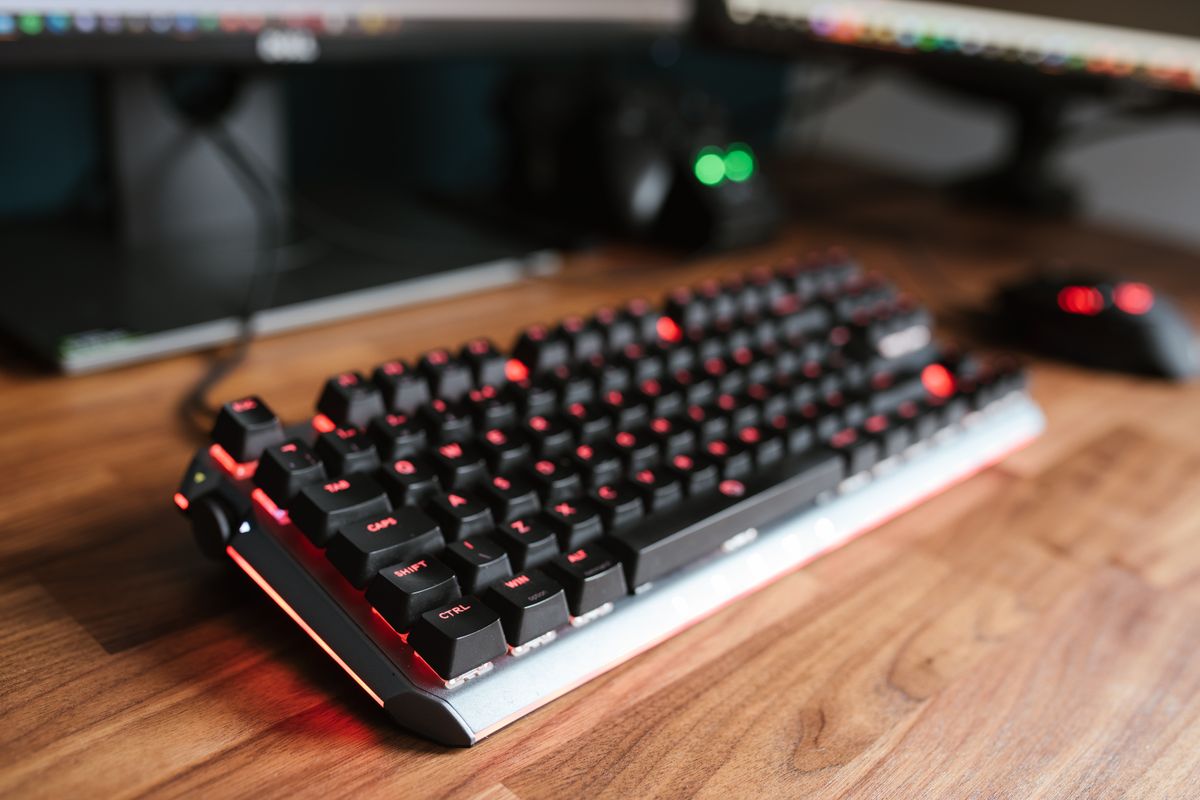
Keyboard sizes are named by what they remove from the standard 104-key layout. Full-size keeps everything; every step down cuts a cluster — first the numpad, then the function row and navigation keys. The right size is the smallest one that does not force you onto function layers for keys you genuinely use.
The four layouts at a glance
| Layout | Keys | Missing vs full-size | Typical width |
|---|---|---|---|
| Full-size | 104 | Nothing | ~445 mm |
| TKL | 87 | Numpad | ~355 mm |
| 65% | 66–69 | Numpad, function row, most navigation | ~320 mm |
| 60% | ~61 | Everything but the main block | ~295 mm |
Those widths line up with real boards: the full-size Razer Huntsman V3 Pro measures 445 mm across, while Logitech’s Pro X TKL is 352 mm — about 93 mm of freed desk width that goes straight to your mouse hand.
The mouse-space argument
The case for compact boards is not the keyboard’s speed; it is what happens to your arm. On a full-size board the mouse sits farther right, forcing shoulder extension and capping how wide a low-sensitivity sweep can get before you re-grip. TKL and smaller layouts pull the mouse in, which is why compact boards are the default in competitive FPS scenes. If you play at high DPI or rarely use your whole mousepad, the benefit shrinks to comfort.
What you actually lose going smaller
- TKL — only the numpad. Spreadsheet and data-entry users will miss it; almost no game requires it.
- 65% — the function row goes, though arrow keys and a few navigation keys survive. Games bound to F-keys need layer shortcuts.
- 60% — arrows, function row, and navigation all move to an Fn layer. Workable for pure play, annoying for daily browsing and editing. Most 60% boards carry 61 keys, though models range roughly 58–65.
One more consideration: keycap sets. Full-size and TKL boards accept standard aftermarket sets; 65% and 60% layouts often need kits built for their compressed right-hand column, and the options are narrower. If you plan to customize, check availability for your exact layout before buying.
How to pick
Still torn? Default to TKL — it drops the least and gains the most mouse room. Pick 65% if you want a smaller footprint but refuse to lose arrows. 60% earns its place only when your desk is tight or your sensitivity is low enough that every millimeter matters. Full-size stays the answer for numpad users and one-board-for-everything desks.
Once the size is settled, the feel is what remains — switch types are covered in linear vs tactile vs clicky, and if you want the freedom to change switches later, hot-swap keyboards are the flexible route.
Frequently asked questions
- Is a smaller keyboard actually better for gaming?
- Smaller boards free desk space for a lower-sensitivity mouse sweep, which matters for FPS players. The keyboard itself plays identically; the benefit is mouse room and shoulder alignment, not speed.
- Do pro players use TKL or 60% keyboards?
- Compact layouts are common in competitive FPS scenes, but there is no rule — some pros use full-size boards. Layout choice reflects personal habit and game genre, not a performance advantage.
- What is the difference between 65% and 75%?
- A 75% board keeps the function row while compressing the layout; a 65% drops the function row but keeps dedicated arrow keys. If you use F-keys in games or apps, lean 75%.