Linear vs Tactile vs Clicky Switches for Gaming
The type names describe what you feel on the way down — and that one difference shapes noise, speed, and fatigue more than any other keyboard spec.
By Daniel Kwon · September 28, 2026 · Updated September 28, 2026
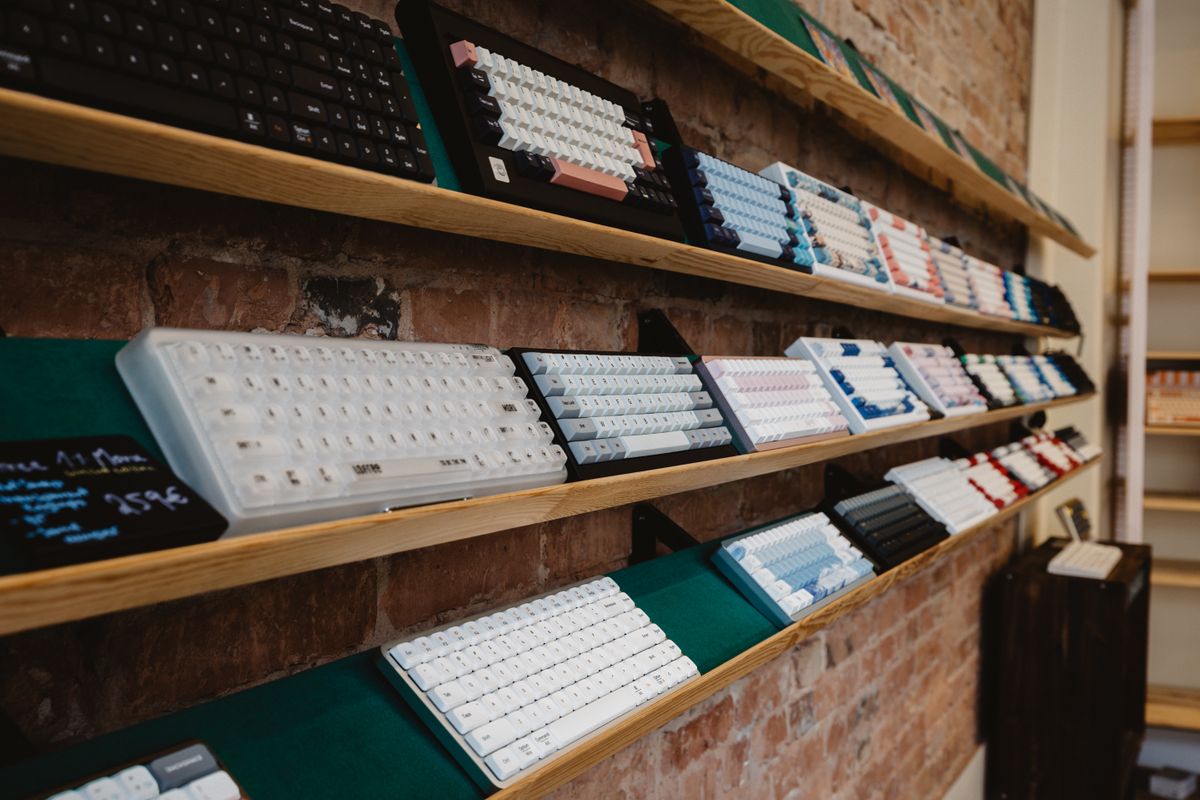
Every mechanical switch makes the same promise with different punctuation: a spring pushes back, a stem travels down, a circuit registers a keypress. Linear, tactile, and clicky describe what happens on the way down, and that single difference matters more than any other spec on the box.
The three feels
Linear is a smooth, constant press with no event in the travel — the reference point is Cherry MX Red at 45 g actuation force, 2.0 mm of travel before actuation, and 4.0 mm total travel. Tactile adds a bump that tells your finger the key has fired; Cherry MX Brown sits at the same 2.0 mm actuation point with a 55 g operating force, but the bump is subtle enough that many players barely perceive it. Clicky pairs the bump with an audible click; Cherry MX Blue actuates slightly deeper at 2.2 mm with a 60 g operating force.
| Switch | Type | Operating force | Actuation point |
|---|---|---|---|
| Cherry MX Red | Linear | 45 g | 2.0 mm |
| Cherry MX Brown | Tactile | 55 g | 2.0 mm |
| Cherry MX Blue | Clicky | 60 g | 2.2 mm |
What gaming actually rewards
Linears dominate gaming boards for a reason: nothing interrupts a fast repeat, and light springs keep rapid taps cheap. Speed-oriented linears push actuation even earlier — Cherry MX Speed Silver fires at 1.2 mm. On a standard mechanical board, though, switch type does not change latency; the keystroke registers the moment the circuit closes, whatever you felt. Where depth becomes genuinely tunable is analog keyboards, which can drop actuation to 0.1 mm.
The sound problem nobody budgets for
Clickies are loud — loud enough to dominate a Discord call at normal mic gain and audible through a wall. That is a dealbreaker for shared homes and streamers, not a preference. Tactiles are quieter; linears depend heavily on the board’s case, plate, and foam, so the same switch can whisper in one keyboard and clack in another. Judge sound in the assembled board, never from the switch name. Weight matters here too: a heavier spring returns the key faster and subtly changes the noise of bottoming out, which is why two linears with identical travel can sound different in the same case.
If you cannot decide
Two escape routes exist. Hot-swap boards let you change switches without soldering, which is why hot-swap keyboards make sense as a first board. And hall effect sensors make the whole linear-versus-tactile question partly moot for competitive play, since actuation depth becomes a software setting — Razer’s analog optical switches run a 0.1–4.0 mm adjustable range with a 40 g actuation force on the Huntsman V3 Pro.
If you just want a default: linears for pure play, tactiles for a mixed desk, clickies only when everyone within earshot has agreed to it.
Frequently asked questions
- Are linear switches better for gaming?
- They are the default on gaming boards because a light, smooth press is easy to spam and hard to mis-press repeatedly. But switch type does not change input latency on a standard mechanical board — feel and consistency are the real differences.
- Why do people say Cherry MX Browns have no bump?
- The tactile event on Browns is small compared with stronger tactiles, so many players perceive them as nearly linear. If you want an obvious bump, look at heavier tactile switches rather than ruling out the whole type.
- Are clicky switches bad for gaming?
- Not mechanically — they register keys like any other switch. The drawbacks are practical: a deeper actuation point on classic models and a noise level most households and voice chats will not tolerate.