Gaming Monitor Arms: VESA, Weight Limits, Clamp vs Grommet
A monitor arm is a weight-and-torque purchase disguised as a cable-and-aesthetics purchase — check three numbers before you look at a single product.
By Sofia Marques · October 3, 2026 · Updated October 3, 2026
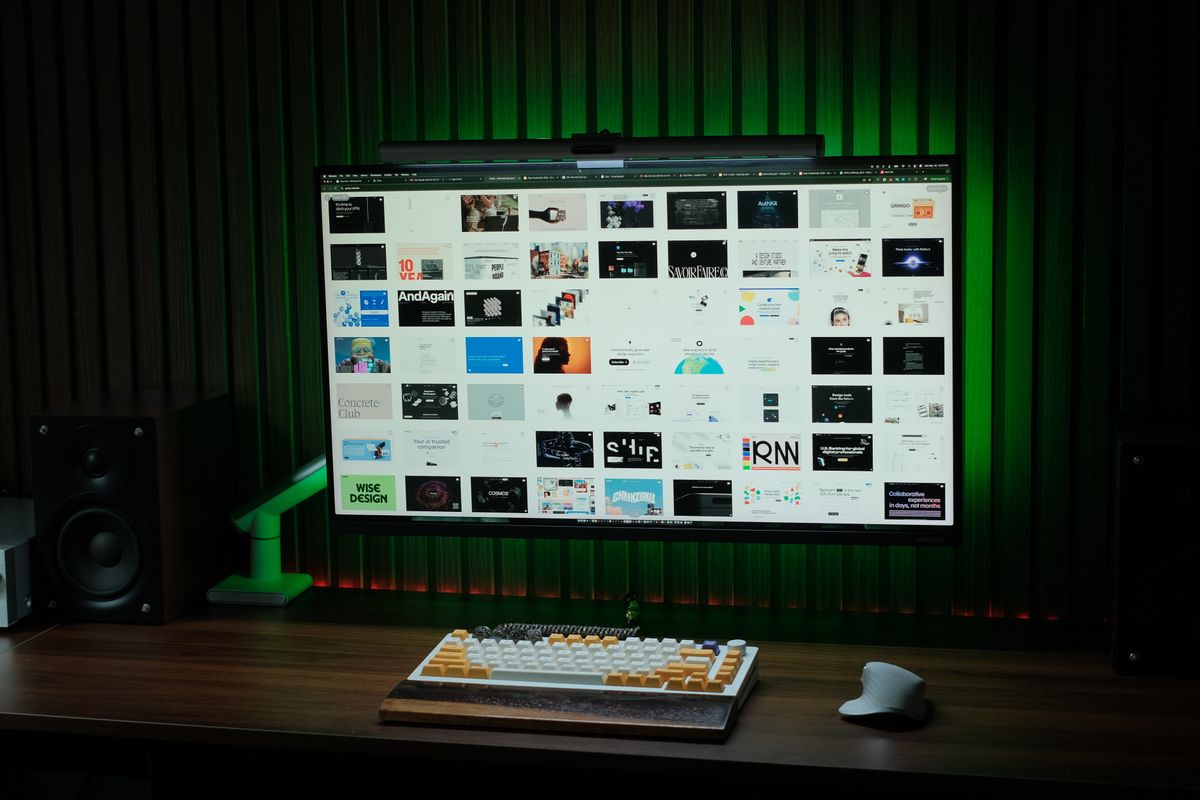
Monitor arm listings lead with load capacity in bold and bury the two numbers that actually cause returns: the VESA pattern and the desk-edge geometry. Work through the three checks below in order and the product choice becomes almost mechanical.
Check one: your monitor’s VESA pattern and weight
VESA is the four-hole mounting interface on the back of nearly every monitor, and gaming displays overwhelmingly use either 75x75 mm or 100x100 mm spacing. Confirm yours in the spec sheet, because a handful of models (particularly some ultrawides and budget panels) omit the interface entirely and require a third-party VESA adapter, which adds depth and moves the center of gravity forward.
Then weigh the display, not the box. Every arm publishes a maximum weight rating, and most single-screen gaming arms are rated somewhere between about 20 and 30 pounds — but the rating assumes a centered load. A 35-pound-class curved ultrawide needs a heavy-duty arm explicitly rated for it, and the deeper the panel, the more torque it puts on the joint at the same weight. Match rated capacity with margin, and check the arm’s rated screen-size range too; some list both.
Check two: clamp or grommet
Both mount the arm to your desk; they differ in how and where.
- Clamp — bites the desk edge from above and below. No drilling, moves in seconds, works on most desks between roughly 10 and 80 mm thick. The constraints are the edge itself: beveled edges grip poorly, and the clamp foot usually needs a few centimeters of clearance underneath, which back drawers and cable trays can block.
- Grommet — drops through a 10 mm-class hole in the desktop and bolts through. The most rigid connection, immune to edge geometry, and the right answer for heavy screens or two-arm builds. The cost is permanence: you drill once, and you have committed to that arm position.
If your desk has a metal frame or a full-length cable tray in the way, measure the clearance before ordering; a design like the one in our Secretlab MAGNUS Pro review routes its tray exactly where clamp feet want to sit.
Check three: what the arm does to your cable route
An articulated arm moves your cables every time you reposition the screen, so plan the route from the monitor, along the arm’s cable channel, down to the desk edge, before the arm arrives. Our cable management guide covers the full under-desk workflow; the arm-specific rule is to leave slack at the pivot points, because a taut cable will yank a connector loose the first time you push the screen back.
The 60-second shortlist
VESA pattern matches, monitor weight under the arm’s rating with margin, and a mounting method your desk can accept. Get those three right and any reputable arm in the monitors hub ecosystem will hold your panel exactly where your elbow angle says it should be.
Frequently asked questions
- Do all monitors fit a standard monitor arm?
- Nearly all gaming monitors use one of two VESA patterns — 75x75 mm or 100x100 mm — but some budget and ultrawide models ship VESA-less and need an adapter. Check the spec sheet for a VESA mount row before buying an arm.
- What happens if my monitor is heavier than the arm's rating?
- The gas spring cannot hold position, so the screen slowly sinks and the joint wears faster. Stay under the rated limit with a margin, especially for curved ultrawides where torque matters as much as raw weight.
- Is a grommet mount better than a clamp?
- A grommet mount is the more rigid connection and cannot slip, but it requires drilling a hole. A clamp is fine for most single-monitor setups on desks between roughly 10 and 80 mm thick.