Wireless Mechanical Keyboards for Gaming: Latency and Battery
Wireless keyboard marketing quotes one latency number and one battery number — both measured in the best possible conditions. Here is how to read them.
By Daniel Kwon · October 11, 2026 · Updated October 11, 2026
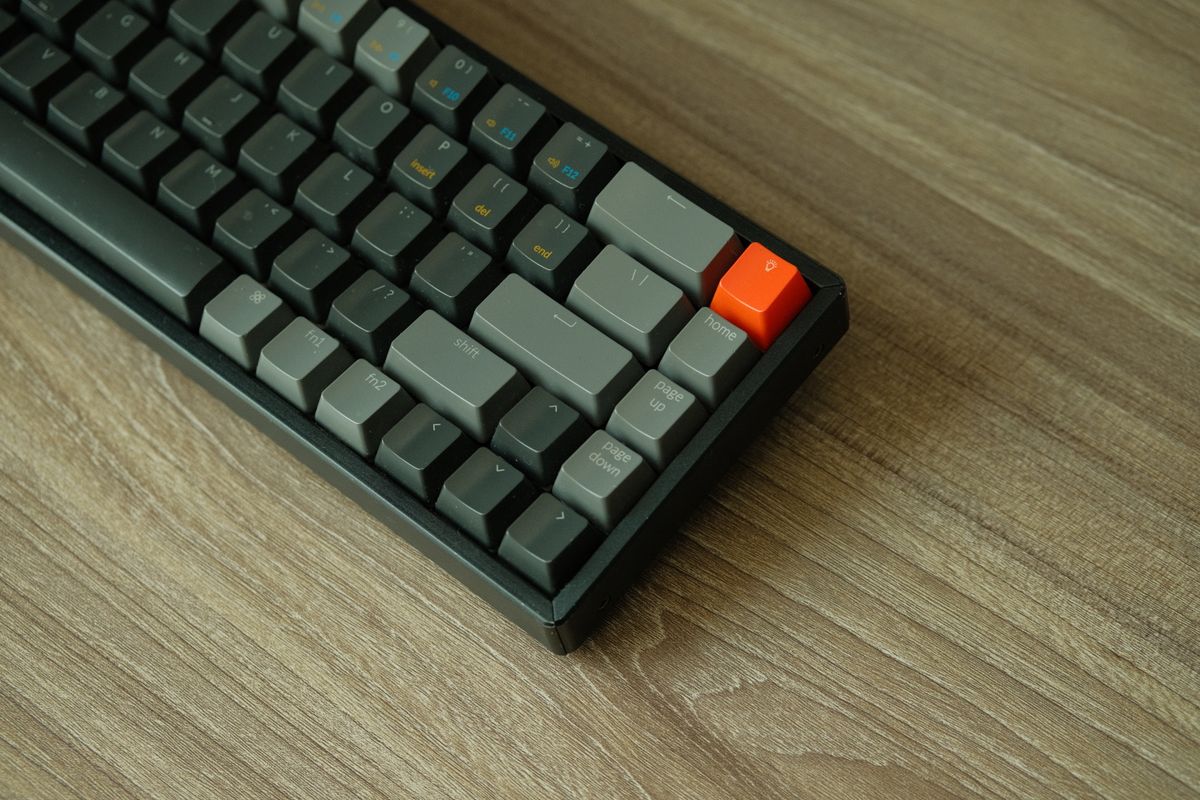
Wireless keyboards answer two questions: how fast the keypress reaches the PC, and how long the battery holds. Marketing quotes one number for each, measured in the best possible conditions. Both deserve a closer read.
Dongle latency is no longer the bottleneck
Every serious gaming wireless board uses a proprietary 2.4 GHz USB dongle, and in that mode the headline numbers match wired hardware. Logitech’s Pro X TKL reports at 1 ms over LIGHTSPEED with up to 10 meters of range, per its official specification. Razer’s BlackWidow V4 Pro 75% pushes HyperSpeed wireless polling to 4000 Hz — four times the wired industry standard — which matters only in the same narrow cases as high polling rates: very high refresh displays and competitive play.
The practical takeaway: in dongle mode, a modern wireless board is competitive with wired for essentially every player. The caveat is that these figures describe the dongle, not the board in every mode.
Bluetooth is the mode to avoid mid-match
Bluetooth was designed for battery life, not report density — its connection intervals mean keypresses queue and deliver in batches rather than streaming continuously. Manufacturers generally do not publish Bluetooth latency figures for their boards, so treat the mode qualitatively: fine for a work laptop or tablet pairing, the wrong default for ranked play. Keep the dongle plugged in and leave Bluetooth as the second device’s job.
Battery claims are best-case arithmetic
Battery quotes are honest and nearly useless without their footnotes:
- Logitech Pro X TKL — up to 50 hours per charge, rechargeable.
- Razer BlackWidow V4 Pro 75% — up to 2100 hours, but only in Power Saving Mode, which disables the OLED display and backlighting and pauses Synapse communication.
Read those together and the pattern is clear: lighting dominates drain. A board quoting 2100 hours with everything off will quote a small fraction of that with per-key RGB at full brightness and a display running. When comparing boards, find the figure quoted with lighting on — or assume the big number is an overnight, lights-off scenario rather than a gaming-week one.
How to buy wireless without regret
Three habits make wireless painless. Insist on a detachable cable — both boards above let you play wired while charging, which doubles as a fallback for a dead battery mid-session. Keep the dongle close; most ship with an extension adapter, and a front-panel port beats one hidden behind a desk. And treat polling-rate upsells the same way as on mice — the base 1 ms dongle rate covers you unless you have specifically built a setup that can show the difference.
Size still matters more than the radio inside; if you are choosing a layout first, start with keyboard sizes. And wireless is no longer a mouse-only luxury — the same reasoning applies in wired versus wireless gaming mice.
Frequently asked questions
- Is a 2.4 GHz dongle faster than Bluetooth for keyboards?
- Yes. Proprietary dongles push reports far more frequently than Bluetooth connection intervals allow, which is why manufacturers reserve their headline 1 ms report rates for dongle mode. Use Bluetooth for secondary devices, the dongle for play.
- Do wireless keyboards have more input lag than wired?
- Modern 2.4 GHz boards report at the same rates as wired — 1 ms, or faster on boards supporting high polling. The gap has effectively closed in dongle mode; Bluetooth is the mode to avoid mid-match.
- How long do wireless gaming keyboard batteries last?
- Anywhere from tens of hours to thousands, depending almost entirely on backlighting and features. A quoted figure with RGB at full brightness will be a fraction of one quoted in a power-saving mode.